Write your list. Compare your options. Take T-Shop to the aisle.
- Free · No ads
- Unlimited
A screen recording of the T-Shop Android app. A shopping list is typed one line at a time - milk, onion soup, reduced cream. A branch is chosen from the nearby supermarkets, and each line resolves to a product with its pack size and price, with alternatives offered per line. Two branches are then compared side by side with a total for each, and the list is ticked off in shopping mode until the trip is complete.
Coming soon on the App Store
Grocery price comparison is currently available in New Zealand


How it works
Write one list. See nearby store totals.
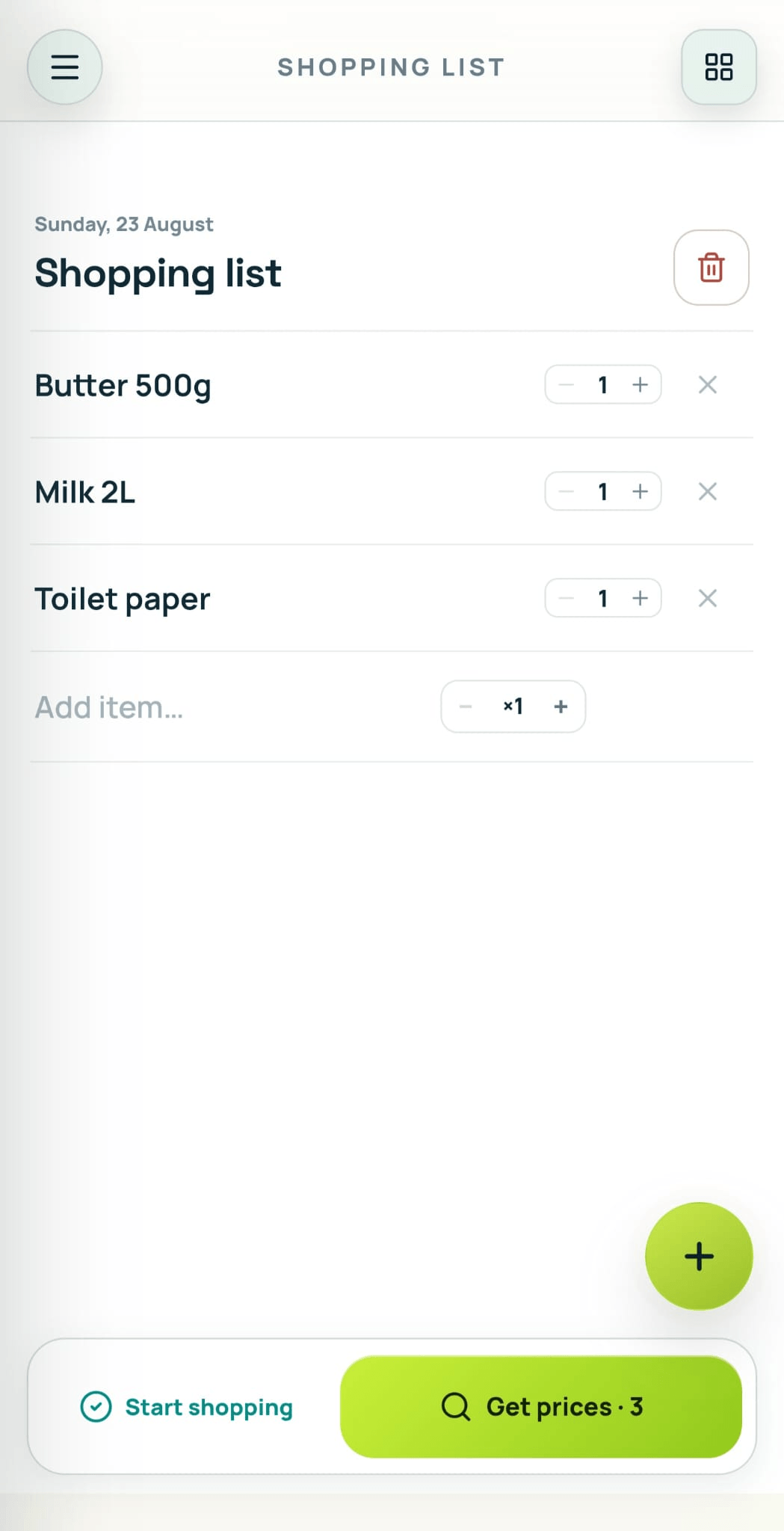
Milk 2L. Butter 500g. Toilet paper. Write it naturally—T-Shop finds the products for you.
-
No searching item by item
It finds real products and compares different pack sizes for you.
-
See each store total
Compare the cost of your whole list at each nearby store.
-
Take it shopping
Tick things off as you go and keep track of your total.
Use it anywhere
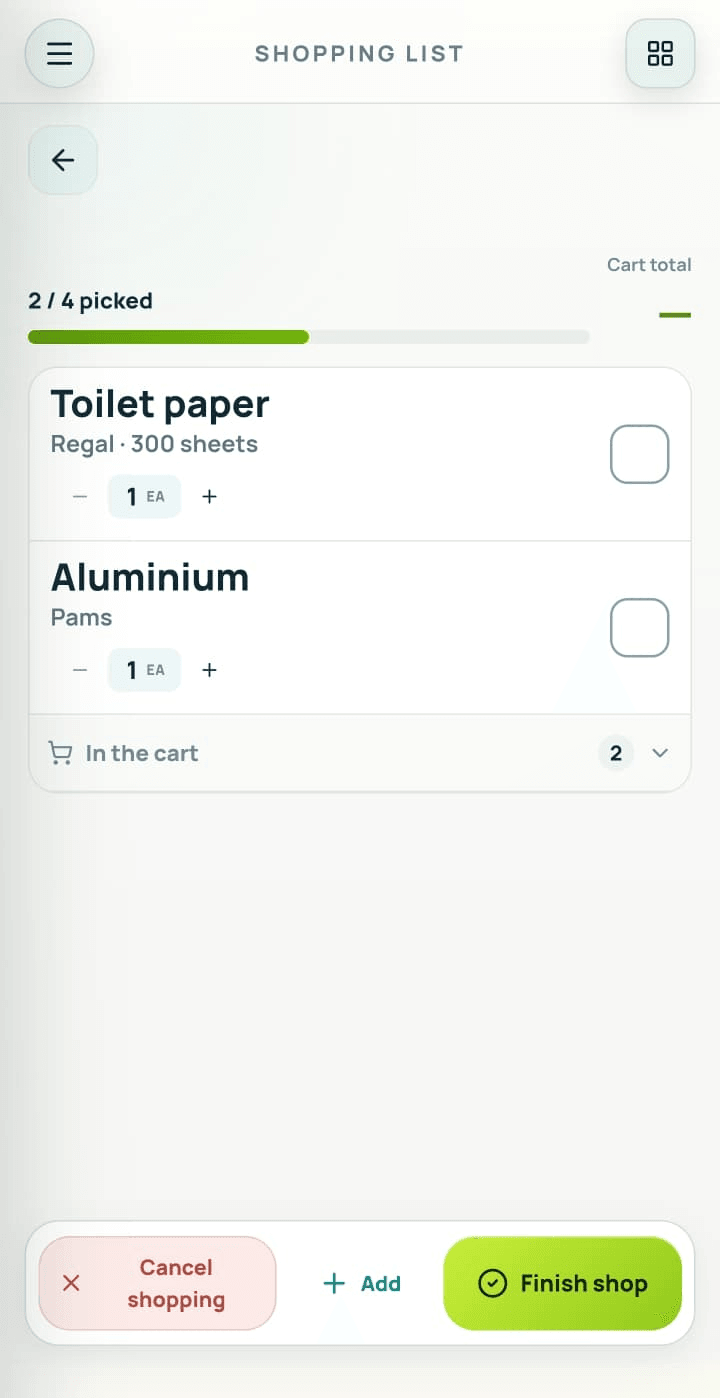
Shopping at another store? Your list still works.
Tick items off as you shop, change the quantity and see what is left. You just won't see a price comparison.
Price alerts
We tell you when the price drops.
-
Go to your favourite store
Online stores around the world—not only supermarkets. Some websites are not supported yet.
-
Open the product page
Whatever page shows the price.
-
Tap the target button

Then tap the price. T-Shop watches it from there on.

A screen recording of the T-Shop Android app. It opens on the tracking screen, where saved stores appear as shortcuts, and one of them opens Amazon's Australian site inside the app's browser. The site is searched for an iPhone 17 Pro Max and a listing is opened, priced at NZD 1,954.13. The floating target button is tapped, a tooltip invites tapping the price on the page, and the price is selected. A panel confirms the item was added and that a notification will arrive when the price drops, showing a current price of $1954.13 against a target of $1952.18. The product then appears in the watchlist.
FAQ
Common questions
Is T-Shop free?
Yes, completely. No ads, no subscription, and no limit on lists, price alerts or the branches you compare.
Which platforms are supported?
Android today. An iOS version is not out yet.
Can T-Shop track every online store?
T-Shop cannot guarantee 100% price-tracking coverage on every website. If the target button does not appear, that website cannot be tracked right now.
How often does T-Shop check a tracked price?
You choose the interval in Settings. Twelve or 24 hours is recommended. More frequent checks use more battery and data.
What if T-Shop picks the wrong product?
Review the match and choose a different product before comparing store totals.
Does the app track my location?
Only to find the branches near you. While the app is open, after you grant it, and never in the background.
Does T-Shop sell anything?
No. Purchases happen with the retailer, under their terms.